Documentation
Missionary Lane documentation
Missionary Lane gives each missionary family or ministry your church supports a kiosk in an online gallery. Visitors walk past the kiosks, look at photos, hear a short spoken welcome, read the latest letter and learn how to pray. These pages explain every part of it, for visitors, church staff, treasurers, self-hosters and developers.
What Missionary Lane is #
Most churches keep their missionaries on a foyer board and in a stack of prayer letters. Missionary Lane puts the same families online, in your church's own look:
- A kiosk for each family or ministry, with their photos and videos, their latest letter (read aloud or shown as written), prayer requests and praises, and local time, travel advisory and news from where they serve.
- Several ways to visit: a 3D hall to walk through, a simple list, a world map, and a narrated World Tour around the globe.
- An admin for the missions team, where staff add families, upload letters and let AI pull out the prayer requests and write the spoken introductions. Nothing appears until staff approve it.
- Care with sensitive details. Phone numbers and mailing addresses start private. Families in sensitive places can be shown with a made-up name and their region only. Every staff account uses two-step sign-in.
- Missions giving, optional. Givers can see which missionaries their missions gifts helped support, traced from the church's own records. Missionary Lane never holds money.
Hosted or self-hosted #
The code is the same either way. The difference is who runs the servers and pays the AI and voice bills.
| Hosted | Self-hosted | |
|---|---|---|
| Who it's for | Most churches | Churches approved for self-hosting that want to run their own copy |
| Gallery address | yourchurch.missionarylane.org, or your own address on a paid plan | Wherever the desktop app publishes it |
| Admin | app.missionarylane.org | Your gallery address followed by /admin.html |
| Data | Missionary Lane's database, with each church kept apart | Your church's own Supabase project |
| AI and voice | Credits included in your plan, or your own keys | Always your own keys |
| Cost | From $29 a month after a 30-day free trial | Your own hosting and AI bills; every walk option and giving included |
| Setup | A setup wizard in the browser | The desktop app for Mac and Windows |
See Getting started for the hosted version and Self-hosting for running your own.
The demo #
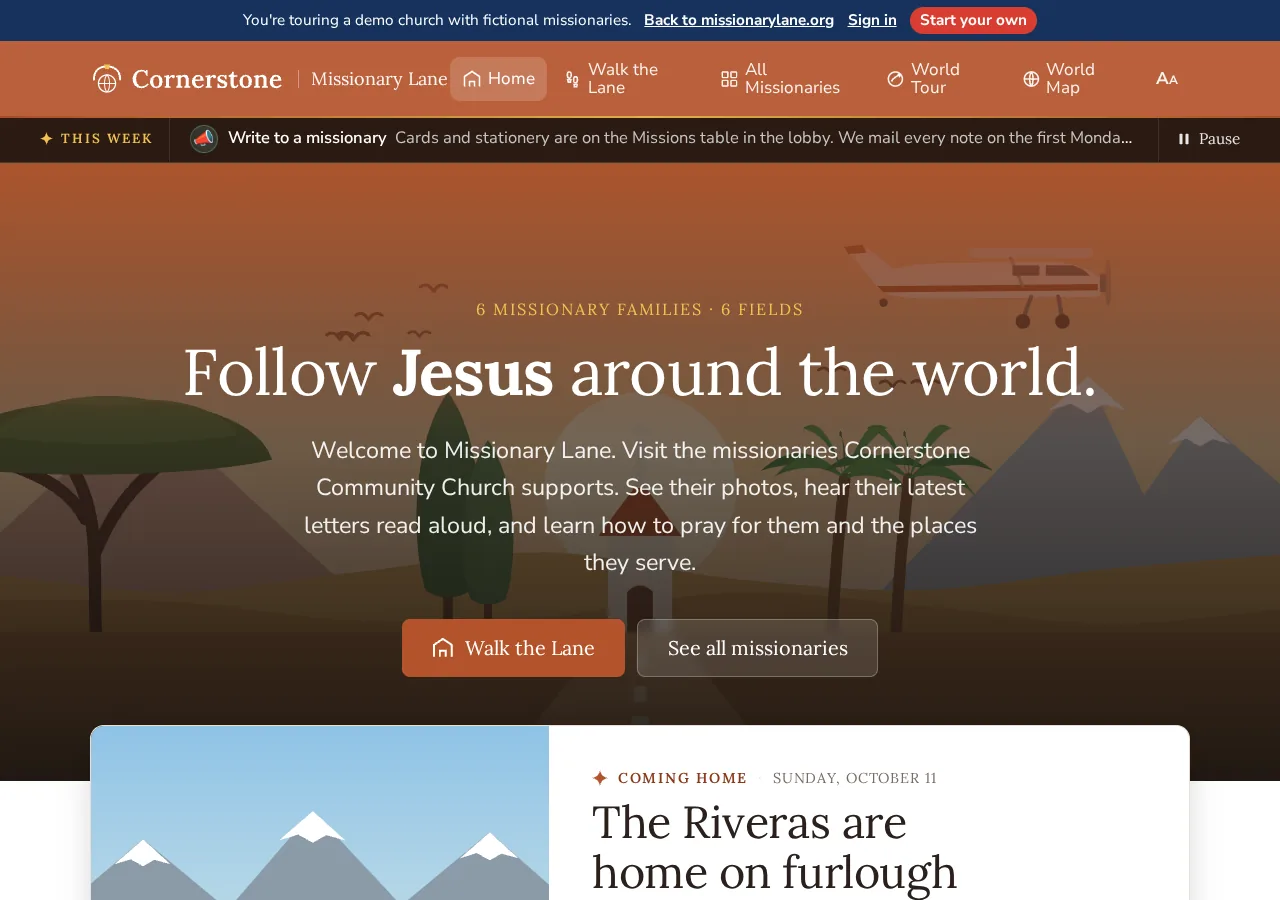
The demo at demo.missionarylane.org is a working gallery for a fictional church, Cornerstone Community Church, with six fictional families. It shows every way to visit, including the 3D hall, Our building (a 360° walk through the church's halls), field views and the World Tour. One family, “A family serving in the Middle East”, shows how a restricted kiosk looks. Nothing in the demo is a real person.
Find your way #
Getting help #
Inside the admin, the Help button in the top bar opens articles written for each screen, and Send feedback at the bottom of every admin page reaches the Missionary Lane team. When you're signed in, replies go to your account email. You can also email richard@missionarylane.org for help, ideas or bug reports.